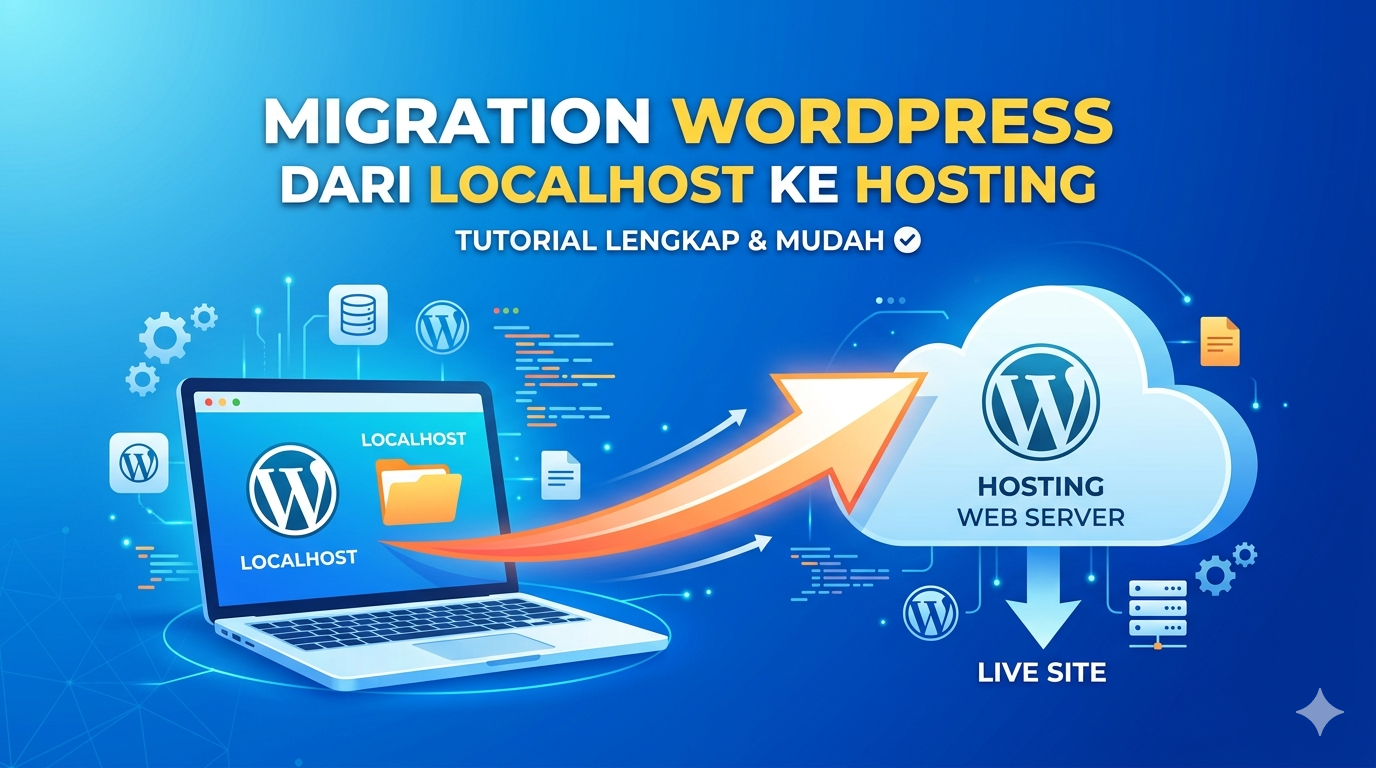
Memindahkan website WordPress dari localhost ke hosting bisa dilakukan dengan cepat menggunakan plugin All-in-One WP Migration. Cara ini cocok untuk pemula karena kamu tidak perlu export database manual atau menkonfigurasi file terlalu teknis.
Step 1: Install Plugin di Localhost
- Masuk ke dashboard WordPress localhost
- Klik Plugins > Add New
- Cari: All in One WP Migration
- Klik Install Now lalu Activate
Step 2: Export Website dari Localhost
- Masuk ke menu All in One WP Migration
- Klik Export
- Pilih Export To > File
- Tunggu proses export selesai
- Download file (.wpress)
Step 3: Install WordPress di Hosting
Sebelum import, kamu perlu install WordPress di hosting:
- Login ke Dashboard hosting mu
- Install WordPress di hosting
- Pastikan domain sudah aktif
Step 4: Install Plugin di Hosting
Ulangi langkah install plugin:
- Login ke WordPress hosting
- Masuk ke Plugins > Add New
- Install All in One WP Migration
- Activate
Step 5: Import File ke Hosting
- Masuk ke All-in-One WP Migration
- Klik Import
- Pilih Import From > File
- Upload file
.wpressdari localhost - Tunggu proses selesai
Step 6: Replace Data Website
Setelah upload:
- Klik Continue saat muncul notifikasi overwrite
- Plugin akan otomatis:
- Mengganti database
- Mengubah URL localhost ke domain
Step 7: Login Ulang WordPress
Setelah import selesai:
- Kamu akan logout otomatis
- Login kembali dengan akun dari localhost
Step 8: Save Permalink
Ini penting agar link tidak error:
- Masuk ke Settings > Permalinks
- Klik Save Changes (tanpa ubah apapun)
Step 9: Cek Website
Buka domain kamu dan pastikan:
- Website tampil normal
- Gambar tidak rusak
- Tidak ada error